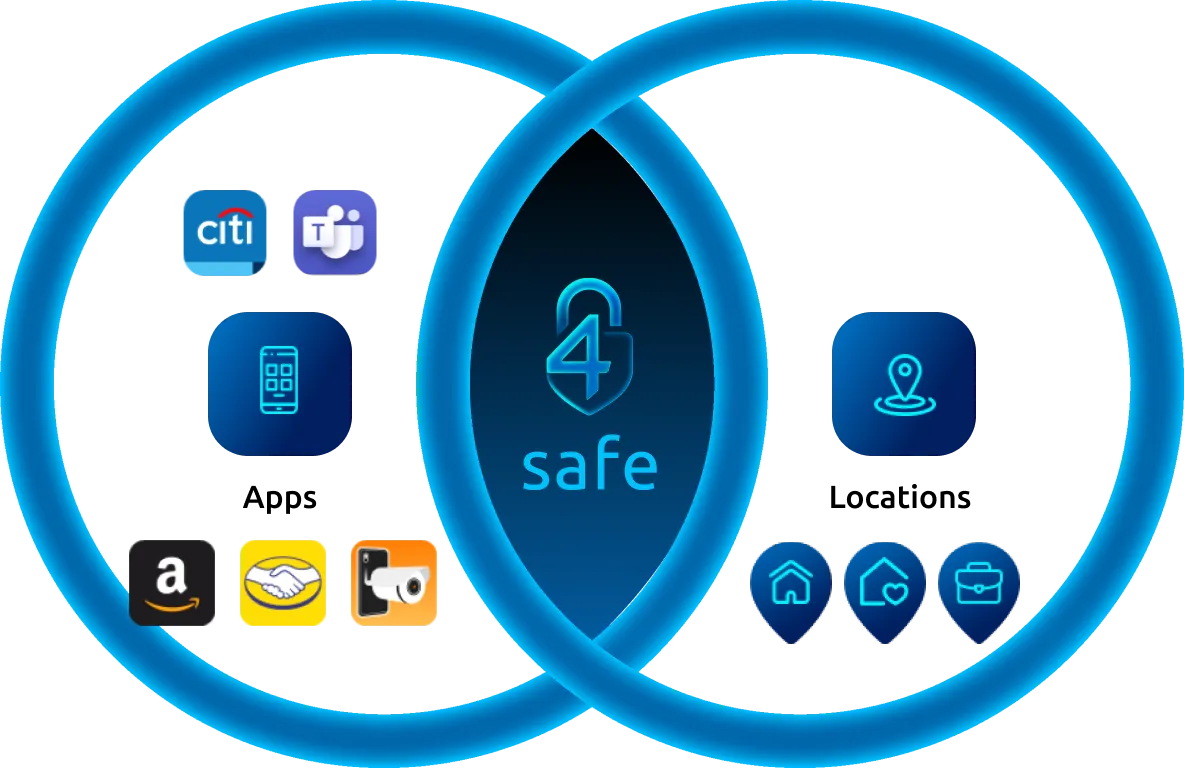
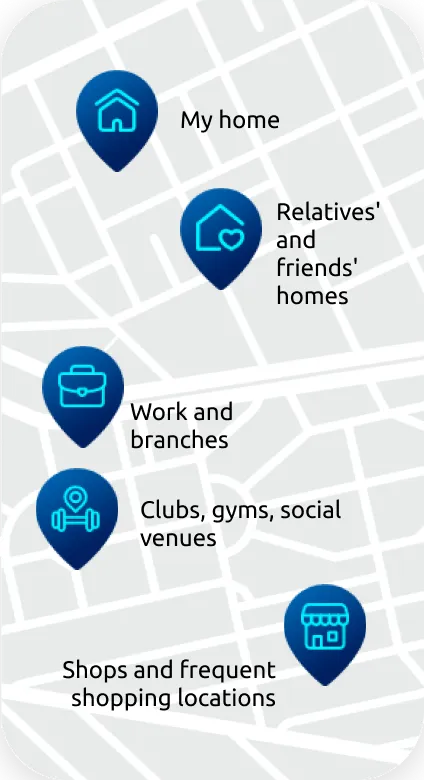
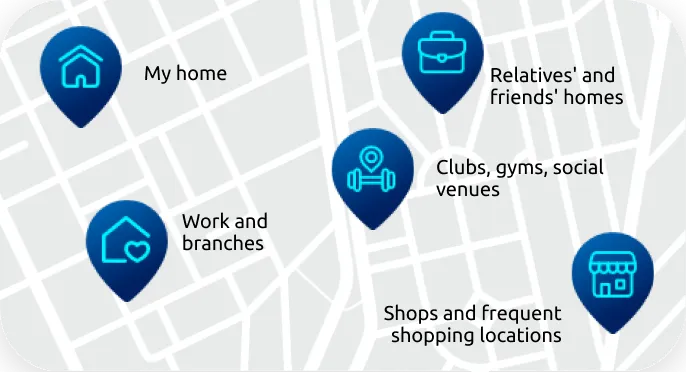
This application allows customers to designate a safe location for using other apps on their device. The predefined apps are blocked when leaving this safe zone.
What happens when I leave a safe location?
The applications you have selected will be automatically blocked when you leave the defined area of one of your safe locations.
What is the emergency password and how does it work?
With 4safe, users who are victims of theft, assault, or coercion can quickly and easily unlock the service’s features outside of their trusted location using an emergency password. When the emergency password is used to unlock the service, the app will send an SMS notification to a trusted person, informing them of the user’s location and signaling the emergency.
Which devices are compatible with 4safe?
The service will be available on mobile phones with iOS version 16 or higher and Android version 8 or higher.
Does 4safe collect my location data?
Yes, 4safe needs to access your location to identify when you enter and leave registered safe locations and to send your location in case of an emergency.
What if I want to use protected apps outside of safe locations?
Do this by entering your password and using the app as you normally would. Protection will automatically be restored after use.
How do I select which apps to block?
Within the app settings, you will find a list of all the apps installed on your device. Simply select the ones you want to block when leaving a safe location.
Start now and let protection work for you
Define your safe locations, choose sensitive apps, and set up your emergency password. You decide what to protect and when.
About 4safe
4safe is a technology company specializing in intelligent digital security, created to protect people in their daily activities.
Its security solutions are designed to act preventively, automatically, and integrated into users’ routines, reducing exposure to digital risks in a natural way.
With a simple, accessible, and flexible approach, 4safe delivers more control, prevention against everyday risks, and peace of mind.